

Upgrading technology in 2026 does not always mean buying the newest device available. The smartest upgrades are the ones that deliver noticeable improvements in performance, battery life, security, convenience, or everyday productivity.
From smartphones and laptops to wearables, smart-home devices, displays, storage, and accessories, some product categories have advanced enough to make an upgrade worthwhile, while others may not justify the cost if your current device still performs well.
In this guide, we look at 12 technology products and categories that may be worth upgrading in 2026, what improvements to look for, who benefits most from upgrading, and when keeping your existing device makes more sense.
These are some of the tech products worth upgrading in 2026 if you want meaningful improvements without replacing devices unnecessarily.
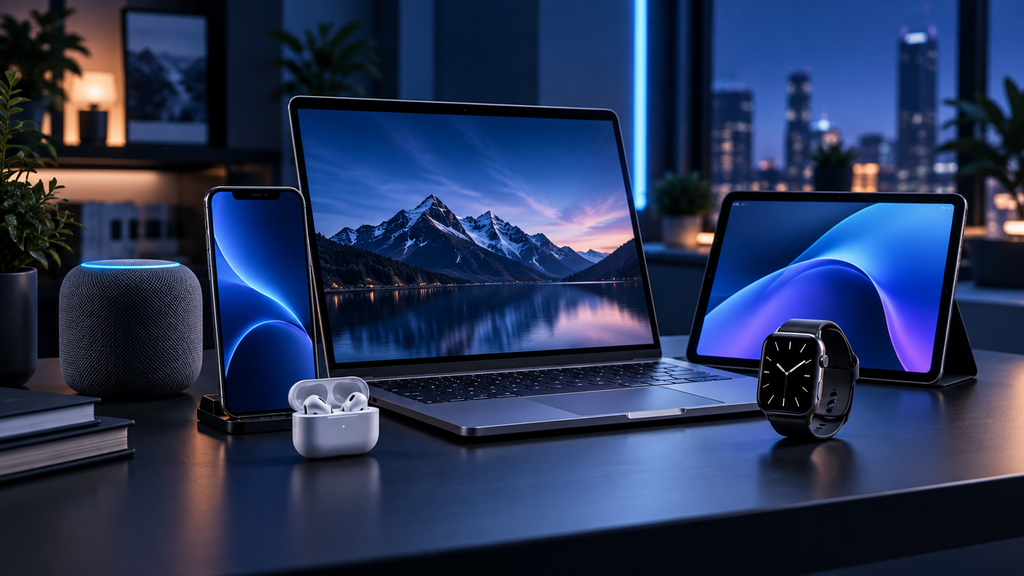
12 Tech Products Worth Upgrading in 2026: Quick Overview
Not every gadget needs to be replaced immediately, but some categories offer meaningful improvements that can noticeably upgrade everyday life. Better battery life, faster processors, smarter software features, stronger security, improved displays, and easier connectivity are some of the biggest reasons to consider an upgrade this year.
Here are 12 tech product categories worth considering before you spend your money:
Table of Contents
1. Smartphones
Smartphones remain one of the most important technology upgrades in 2026, but replacing a phone every year is rarely necessary. An upgrade makes the most sense when your current device is several generations old, battery health has declined significantly, software support is ending, or newer features would meaningfully improve how you use your phone.
Recent smartphones offer faster processors, more efficient displays, improved cameras, stronger on-device AI capabilities, better connectivity, and longer software-support periods. Battery efficiency and charging performance have also improved across many premium and mid-range models.
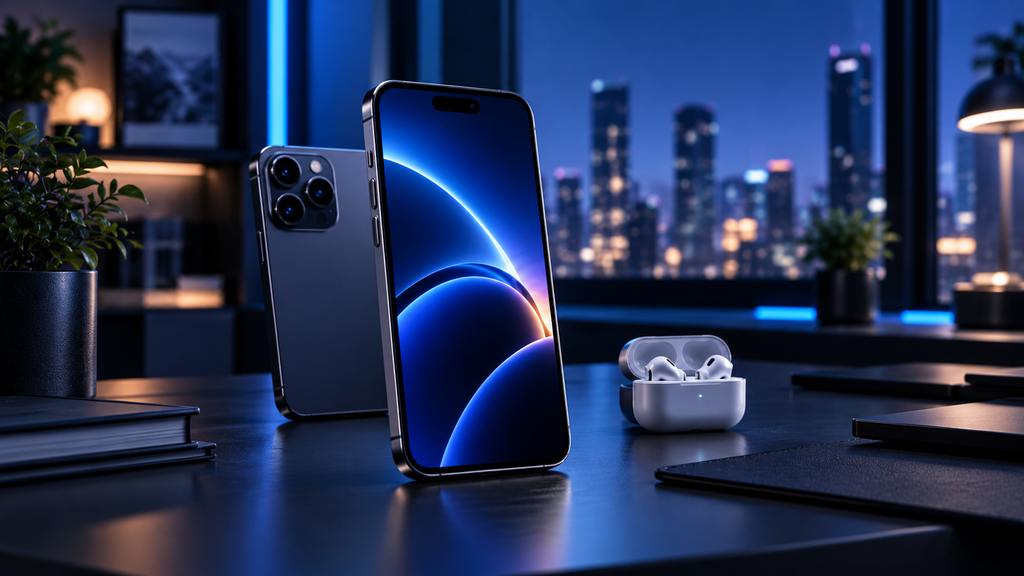
Users who rely heavily on photography, mobile productivity, gaming, navigation, or AI-assisted features are more likely to notice the benefits of upgrading. Newer devices can also provide stronger security protections and longer access to operating-system and security updates.
However, if your current smartphone still receives security updates, holds a reliable charge, and performs well for everyday tasks, keeping it for another year may provide better value than upgrading simply because a newer model is available.
Upgrade if: your battery is failing, performance has become noticeably slow, software support is ending, storage is constantly full, or newer camera and AI features would genuinely improve your daily use.
Keep your current phone if: it remains fast, secure, reliable, and meets your photography, communication, and productivity needs.
2. Laptops
Laptops are one of the most worthwhile upgrade categories in 2026, especially for users working with older systems that struggle with multitasking, video calls, creative applications, development tools, or modern AI-assisted software.
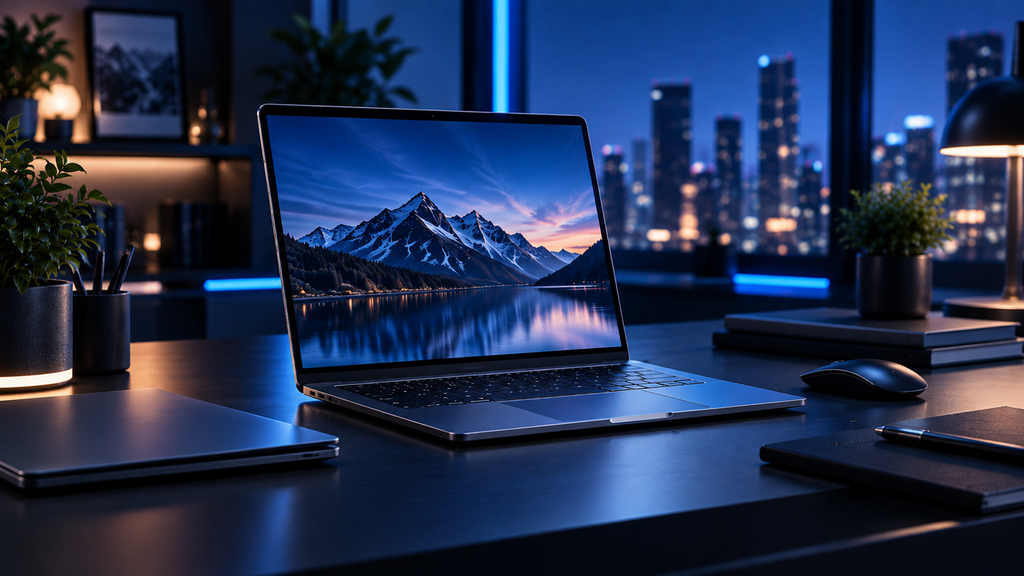
Newer laptops generally offer faster and more efficient processors, improved battery life, better displays, faster solid-state storage, stronger wireless connectivity, and more capable integrated graphics. Many current models also include dedicated hardware for AI-assisted features and local processing.
For professionals, students, developers, content creators, and remote workers, the biggest improvement often comes from responsiveness. Faster startup times, smoother multitasking, quieter cooling systems, and longer battery life can make a noticeable difference during a full workday.
Display quality is another reason to consider upgrading. Higher-resolution screens, improved brightness, better color accuracy, and smoother refresh rates are becoming more common across both premium and mid-range laptops.
However, users with relatively recent laptops that already have sufficient memory, fast SSD storage, and good battery health may not gain enough from replacing them immediately.
Upgrade if: your laptop regularly slows down during normal work, battery life has deteriorated, storage or memory is limiting productivity, or you need better performance for creative, technical, or AI-assisted workloads.
Keep your current laptop if: it handles your applications smoothly, remains secure and supported, and still provides enough battery life and performance for your daily workflow.
3. Tablets
Tablets have become significantly more capable productivity and entertainment devices, making them worth considering for users who still rely on older models with limited performance, storage, or accessory support.
Modern tablets can handle note-taking, document editing, video conferencing, drawing, media consumption, light photo and video editing, and even some desktop-style workflows when paired with a keyboard or stylus.
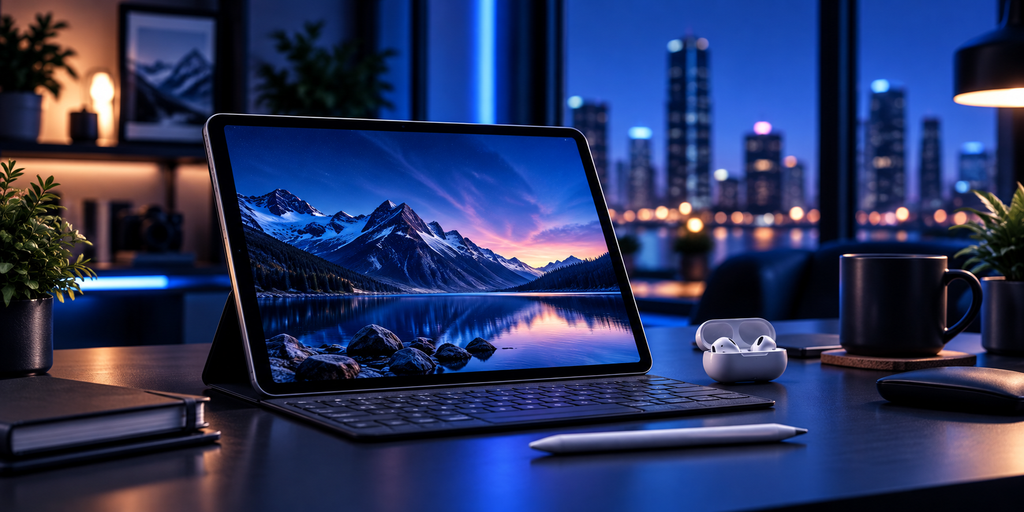
Improved processors, brighter displays, longer battery life, better multitasking, and stronger accessory ecosystems have made newer tablets much more versatile than earlier generations. For students, travelers, creative professionals, and users who want a lightweight secondary device, these improvements can be meaningful.
However, a tablet upgrade is less urgent if your existing device is mainly used for streaming, reading, browsing, or occasional note-taking and still performs those tasks smoothly.
Upgrade if: your tablet feels slow, no longer receives software updates, has limited storage, struggles with multitasking, or lacks support for the accessories and productivity features you now need.
Keep your current tablet if: it remains fast enough for browsing, entertainment, reading, note-taking, and other everyday tasks without reliability or battery problems.
4. Smartwatches
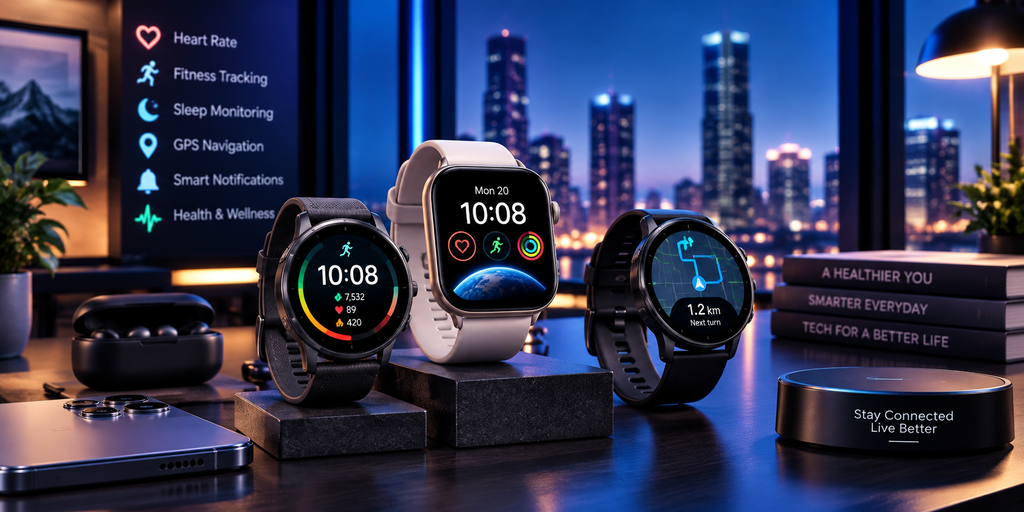
Smartwatches are becoming more useful for health tracking, notifications, navigation, payments, workouts, and everyday convenience. In 2026, newer models continue to improve battery efficiency, health sensors, display brightness, GPS accuracy, and integration with smartphones.
An upgrade can be worthwhile if your current watch has poor battery life, limited health features, inaccurate workout tracking, or no longer receives software updates. Users who rely on fitness tracking, sleep monitoring, navigation, contactless payments, or safety features may notice the biggest improvements.
Newer smartwatches can also offer better sensors, faster interfaces, improved durability, and more accurate activity tracking. Some models provide stronger health insights and additional safety features such as fall detection or emergency alerts, depending on the device and region.
However, if your current smartwatch already tracks the metrics you care about, lasts comfortably through the day, and works reliably with your phone, there may be little reason to upgrade immediately.
Upgrade if: battery life has declined, health or fitness tracking is no longer accurate enough, software support is ending, or newer safety and wellness features are important to you.
Keep your current smartwatch if: it still provides reliable notifications, activity tracking, and battery life and continues to receive software updates.
5. Wireless Earbuds
Wireless earbuds continue to improve in sound quality, active noise cancellation, microphone performance, battery life, and device integration. In 2026, the biggest upgrade benefits come from better noise control, more reliable connectivity, stronger call quality, and improved comfort.
Users who travel frequently, commute, attend online meetings, or listen to music for long periods may notice a significant difference when moving from older earbuds to newer models with stronger active noise cancellation and transparency modes.
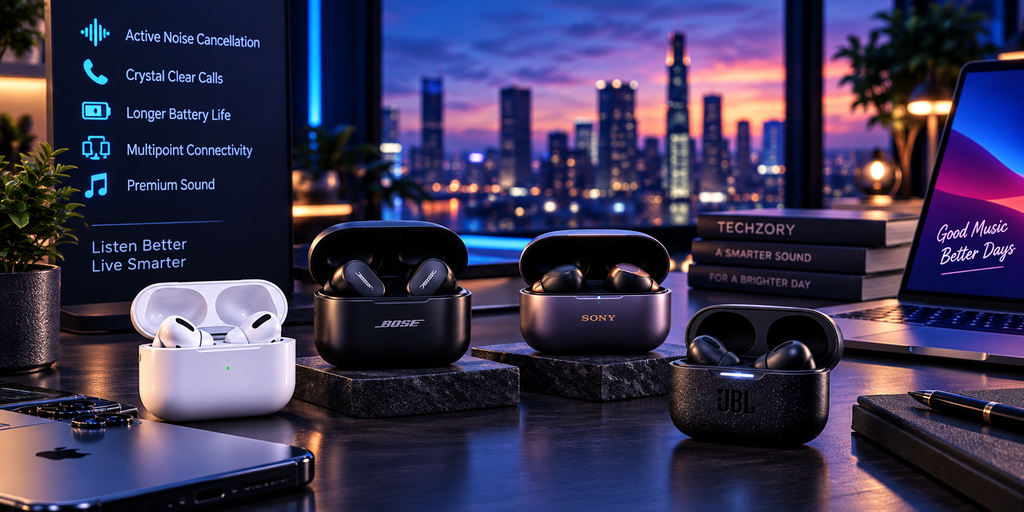
Battery degradation is also an important consideration because the small batteries inside wireless earbuds gradually lose capacity over time. If your current earbuds need frequent charging or one side drains much faster than the other, replacement may be more practical than continuing to use them.
Newer models can also provide better multipoint connectivity, lower latency, improved spatial audio, and smarter integration with phones, laptops, and voice assistants.
Upgrade if: battery life has noticeably declined, call quality is poor, noise cancellation is weak, connectivity is unreliable, or you want better comfort and sound.
Keep your current earbuds if: they still sound good, hold a reliable charge, connect consistently, and meet your needs for music, calls, and travel.
6. Wi-Fi Routers and Mesh Systems
Wi-Fi equipment is easy to overlook, but upgrading an aging router can noticeably improve internet speed, stability, coverage, and the performance of connected devices.
Newer routers and mesh systems support faster wireless standards, better handling of many simultaneous devices, stronger security features, improved range, and more efficient traffic management. These improvements matter especially in homes with smart devices, video streaming, cloud gaming, remote work, or multiple users online at the same time.
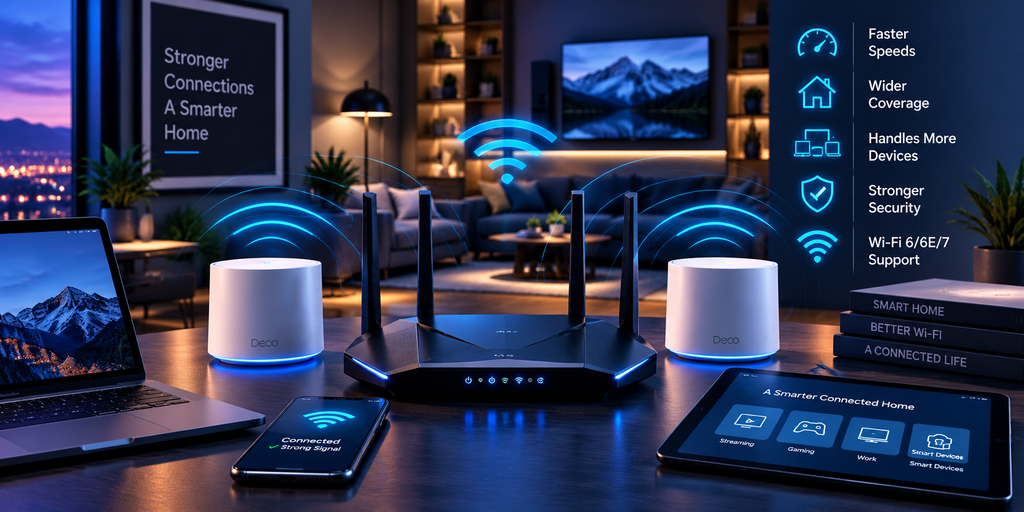
A mesh system can be particularly useful in larger homes or buildings where a single router leaves weak-signal areas. Multiple access points work together to provide more consistent coverage without requiring users to manually switch networks.
An upgrade is also worth considering if your router is several years old and no longer receives firmware or security updates. Network hardware is part of your security perimeter, so unsupported equipment should not be ignored.
Upgrade if: you experience dead zones, unstable connections, poor performance with multiple devices, outdated security, or your internet plan is faster than your current router can effectively deliver.
Keep your current system if: coverage is strong throughout your home, speeds are consistent, security updates are still available, and your connected devices perform reliably.
7. External SSDs
External SSDs are one of the most practical upgrades for users who need faster backups, portable storage, or additional space for large files.
Compared with older external hard drives, SSDs are much faster, quieter, more resistant to physical shock, and easier to carry. In 2026, higher-capacity portable SSDs are also more accessible than they were a few years ago, making them useful for photographers, video editors, developers, students, and anyone working with large files.
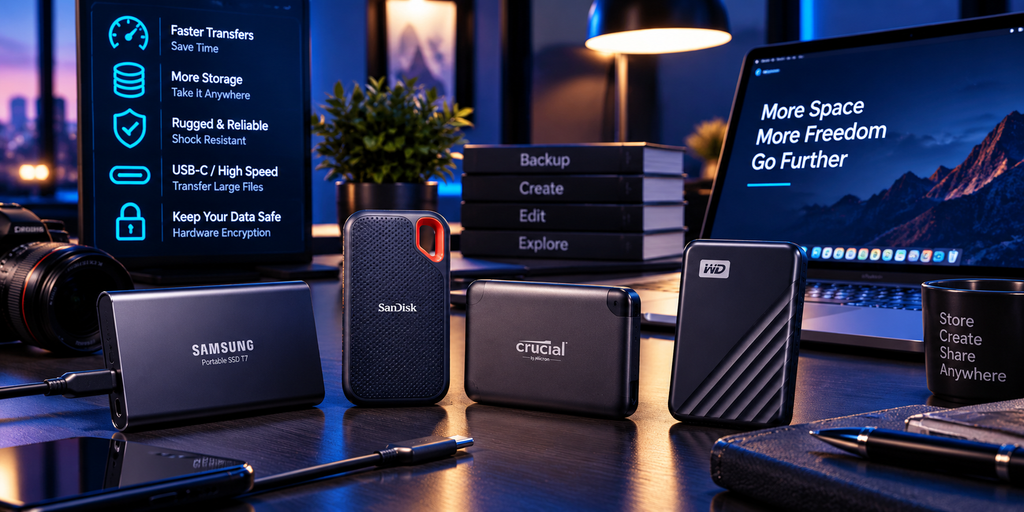
Users who still rely on a slow external hard drive may notice a major improvement when transferring photos, videos, project files, game libraries, or backups. USB-C and faster interface standards can also significantly reduce transfer times when both the computer and drive support them.
Security can also be an important factor. Some portable SSDs include hardware encryption or password-protection features, which can be useful for users who carry sensitive files.
Upgrade if: your current external drive is slow, noisy, unreliable, nearly full, or you regularly transfer large files and need faster performance.
Keep your current drive if: it remains reliable, provides enough capacity, and you primarily use it for occasional backups where maximum speed is not important.
8. Monitors
Monitors are one of the most noticeable upgrades for productivity, gaming, creative work, and general comfort. A better display can improve clarity, color accuracy, screen space, refresh rate, and eye comfort during long work sessions.
In 2026, higher-resolution displays, faster refresh rates, improved HDR, better color coverage, USB-C connectivity, and more flexible ergonomic stands are becoming increasingly common. Ultrawide and high-refresh monitors are also more accessible across a wider range of prices.
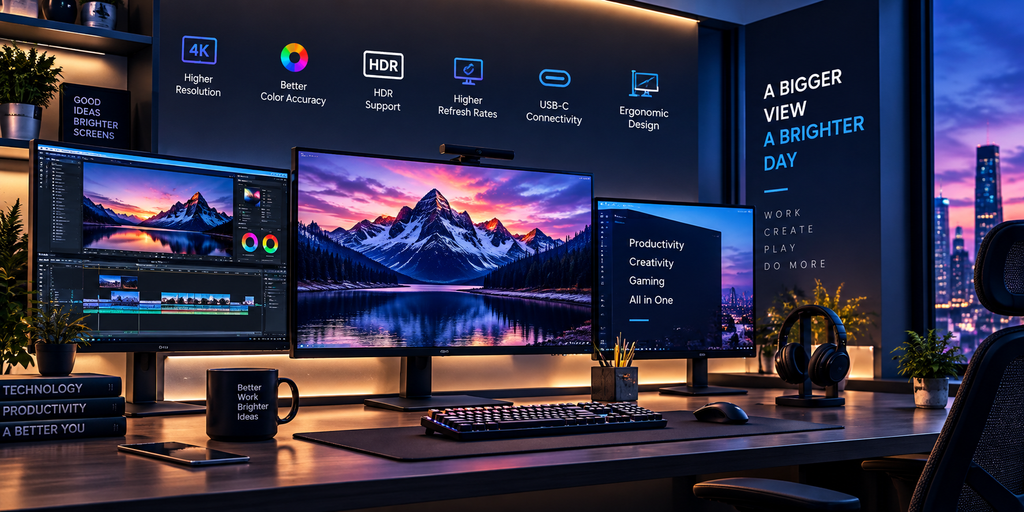
For professionals, upgrading to a larger or higher-resolution monitor can make multitasking much easier by providing more room for documents, spreadsheets, code, timelines, or creative applications. Designers, photographers, and video editors may benefit from improved color accuracy, while gamers may prioritize refresh rate and response time.
Connectivity is another reason to upgrade. USB-C monitors can simplify a desk setup by carrying video, data, and sometimes laptop charging through a single cable.
Upgrade if: your current monitor is low resolution, too small for your workflow, lacks modern connectivity, has poor color accuracy, or you want a higher refresh rate for gaming or smoother everyday use.
Keep your current monitor if: the display remains sharp, comfortable, accurate enough for your work, and provides the screen size and connectivity you need.
9. Smart TVs and Streaming Devices
Smart TVs and streaming devices are worth upgrading when the interface has become slow, important apps are no longer supported, or newer video standards would noticeably improve your viewing experience.
Modern TVs continue to improve in brightness, contrast, HDR performance, gaming features, energy efficiency, and smart-platform responsiveness. Users with older televisions may also benefit from newer HDMI standards, lower input latency, higher refresh rates, and better support for current streaming formats.
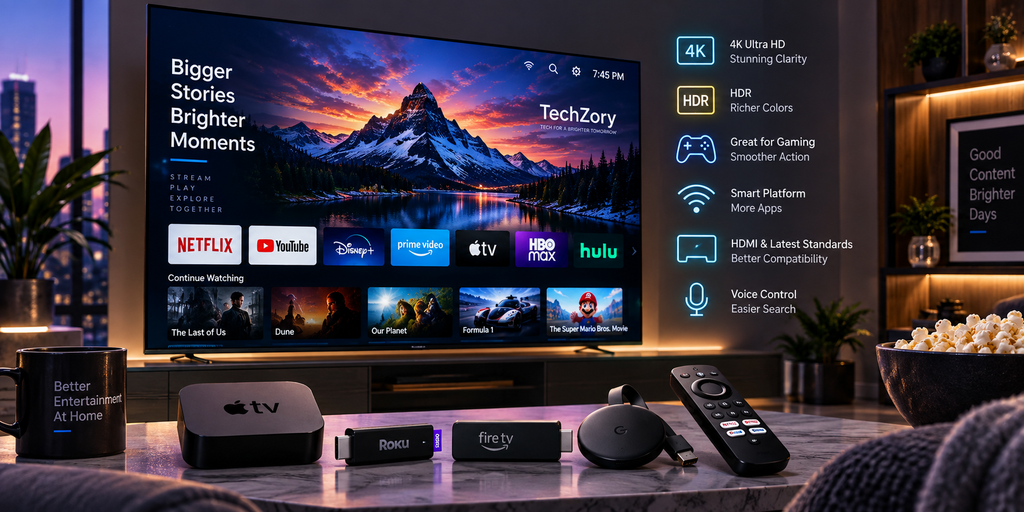
However, replacing an entire television is not always necessary. If the display panel still looks good but the built-in smart interface is slow or outdated, adding a newer streaming device can be a much more affordable upgrade.
Streaming devices can improve app performance, software support, search, voice control, and access to newer streaming services without requiring a new TV.
Upgrade if: your TV interface is slow, important apps have stopped working, picture quality no longer meets your needs, or you want better gaming and HDR performance.
Keep your current TV if: the display still looks good and a low-cost streaming device can solve the software or app limitations.
10. Smart Home Security Devices
Smart home security devices have improved significantly in recent years, making them a worthwhile upgrade for users with older cameras, video doorbells, or alarm systems.
Newer devices can offer higher-resolution video, better low-light performance, smarter motion detection, package recognition, improved mobile alerts, and tighter integration with other smart-home platforms. Some systems also process more activity locally, which can improve responsiveness and reduce reliance on continuous cloud processing.
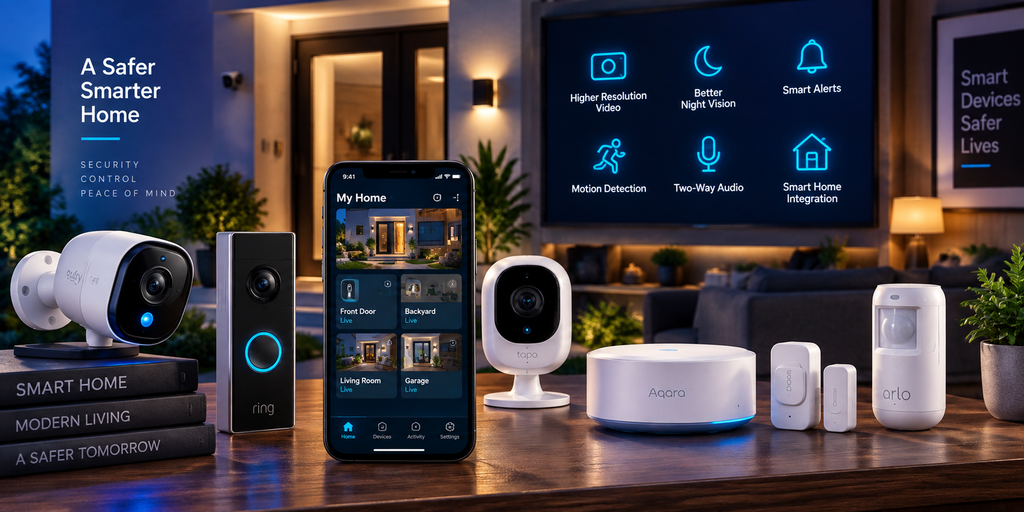
An upgrade can be especially useful if your current system frequently sends false alerts, has unreliable connectivity, produces low-quality video, or no longer receives firmware and security updates.
Compatibility is also important. Newer smart-home standards can make it easier for devices from different brands to work together, reducing the need for separate apps and isolated ecosystems.
Upgrade if: video quality is poor, alerts are unreliable, your devices no longer receive security updates, or you want better automation and smart-home integration.
Keep your current system if: it remains secure, reliable, provides clear video, and still meets your monitoring and notification needs.
11. Portable Power Banks and Chargers
Portable power banks and chargers are often overlooked, but newer models can make a noticeable difference in everyday convenience, especially for users who carry multiple devices or travel frequently.
Modern chargers increasingly support faster USB-C charging, higher power output, smaller designs, and the ability to charge laptops, tablets, smartphones, earbuds, and other devices from a single adapter. GaN-based chargers have also helped reduce size while maintaining high power output.
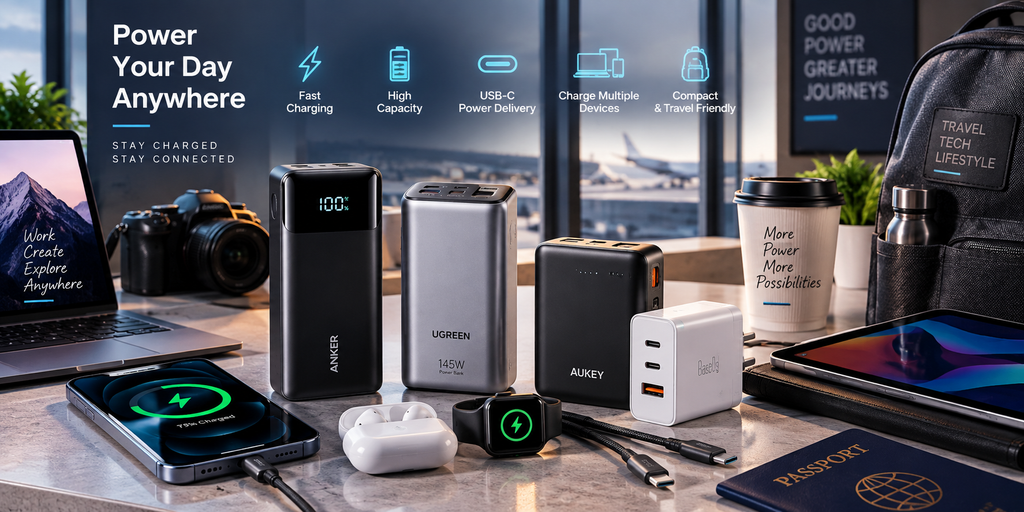
Power banks have improved as well, with faster charging, higher capacities, multiple USB-C ports, clearer battery indicators, and better support for modern charging standards.
An upgrade is especially useful if your current charger is slow, bulky, lacks USB-C, cannot charge your laptop, or requires carrying several separate adapters.
Upgrade if: you need faster charging, want one charger for several devices, travel frequently, or your existing power bank has noticeably lost capacity.
Keep your current charger or power bank if: it remains reliable, charges your devices at acceptable speeds, and supports the devices you use most often.
12. Robot Vacuums and Smart Home Helpers
Robot vacuums and other smart home helpers have become more capable, making them a worthwhile upgrade for users with older models that struggle with navigation, obstacle avoidance, or reliable cleaning.
Newer robot vacuums can offer improved mapping, stronger suction, better edge cleaning, smarter obstacle detection, automatic emptying, and more advanced mopping systems. Some models can also identify rooms, avoid cables or pet waste, and adjust cleaning behavior based on floor type.
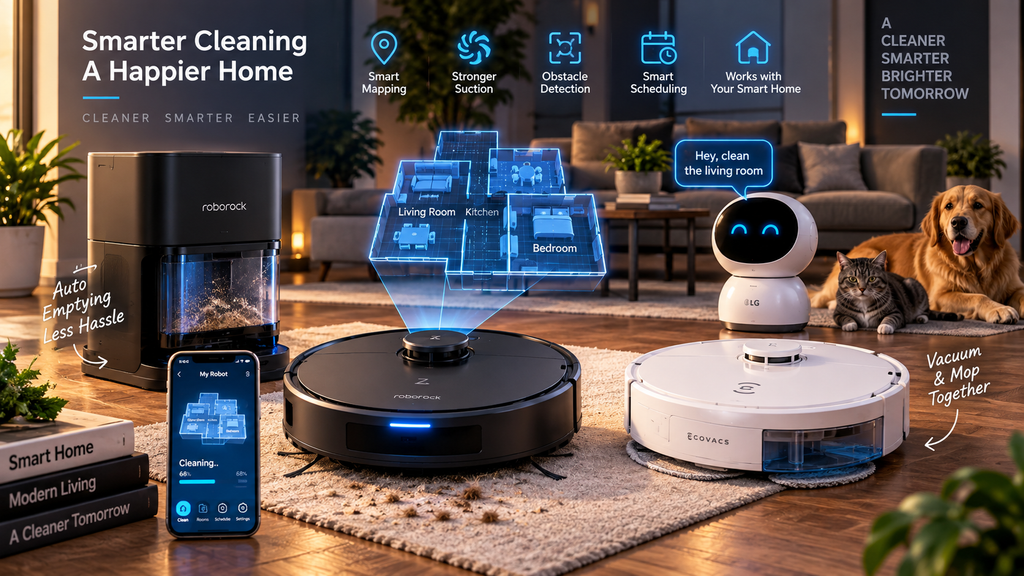
The biggest benefit is convenience. A modern robot vacuum can handle routine floor cleaning with less supervision, while smart scheduling and app controls make it easier to maintain a consistent cleaning routine.
However, an upgrade is not always necessary if your current model navigates reliably, cleans effectively, and still receives software updates.
Upgrade if: your robot frequently gets stuck, misses areas, has weak suction, requires excessive manual maintenance, or lacks the navigation and automation features you now want.
Keep your current device if: it still cleans reliably, maps your home accurately, and requires minimal intervention.
Which Tech Upgrades Offer the Best Value in 2026?
The best-value technology upgrades are usually the ones that solve a clear problem rather than simply replacing a device because a newer model exists.
For most users, laptops, smartphones, Wi-Fi equipment, external SSDs, monitors, and charging accessories can provide the most noticeable day-to-day improvements when the existing device is several years old or beginning to limit performance.
A laptop upgrade can improve productivity across almost every task. A newer Wi-Fi router or mesh system can improve the experience of every connected device in the home. External SSDs can dramatically reduce file-transfer times, while a better monitor can improve comfort and efficiency throughout the workday.
Smaller upgrades can also offer excellent value. Replacing an aging charger, power bank, or streaming device often costs far less than replacing a phone, laptop, or television while still solving a real usability problem.
The best approach is to identify the bottleneck first. Upgrade the device that is slowing you down, causing reliability problems, creating security concerns, or preventing you from using features that genuinely matter to your daily workflow.
How to Decide Whether You Should Upgrade
Before replacing any device, evaluate whether the upgrade will solve a real problem.
Start with performance. If a device has become slow, unreliable, or unable to handle the applications and tasks you use most often, an upgrade may be justified.
Next, consider battery health and physical condition. Smartphones, laptops, earbuds, smartwatches, and power banks can become frustrating when battery capacity declines significantly.
Software support is also important. Devices that no longer receive security updates can create unnecessary risk, even if the hardware still works.
Think about compatibility as well. Older devices may lack newer wireless standards, ports, accessories, smart-home support, or software features that are becoming important to your workflow.
Finally, compare the cost of replacement with the value of the improvement. If a less expensive solution—such as replacing a battery, adding storage, upgrading a router, or buying a streaming device—solves the problem, a full replacement may not be necessary.
A good upgrade should improve performance, reliability, security, convenience, or productivity in a way you can clearly notice.
Frequently Asked Questions
Which tech products are most worth upgrading in 2026?
The best upgrades depend on what is limiting your current setup. For many users, laptops, smartphones, Wi-Fi routers, external SSDs, monitors, and charging accessories can provide the most noticeable improvements in performance, reliability, convenience, and security.
The strongest upgrade is usually the one that solves a clear problem, such as slow performance, poor battery life, weak connectivity, limited storage, outdated software support, or an inefficient workflow.
How often should you upgrade your smartphone or laptop?
There is no fixed upgrade schedule that works for everyone. A smartphone may remain useful for several years if it still receives security updates, maintains good battery life, and performs well. Laptops can often last even longer when their performance, storage, memory, and battery continue to meet the user’s needs.
The best time to upgrade is when the device begins to limit productivity, becomes unreliable, loses software support, or requires repairs that no longer make financial sense.
Is it better to upgrade or repair an older device?
Repairing an older device can be the better value when the problem is limited to a replaceable battery, storage issue, damaged screen, or another relatively inexpensive component.
Upgrading makes more sense when the device has multiple problems, no longer receives security updates, cannot support the software you need, or the repair cost approaches a significant portion of the price of a newer replacement.
Before replacing a device, compare the repair cost, expected remaining lifespan, software support, performance needs, and resale value. The cheapest option today is not always the best value over the next several years.
Which tech upgrade gives the biggest performance improvement?
The biggest improvement depends on the device that is currently creating the largest bottleneck. Replacing a slow laptop, upgrading from an old hard drive to an SSD, improving an outdated Wi-Fi router, or moving to a better monitor can all produce noticeable gains.
For most users, the best upgrade is not necessarily the newest or most expensive product. It is the one that removes the limitation affecting daily work, reliability, connectivity, or productivity the most.
Are smart home devices worth upgrading in 2026?
Smart home devices can be worth upgrading when newer models provide better security, more reliable connectivity, smarter automation, or improved compatibility with other devices in your home.
Upgrading is especially useful if an older camera, doorbell, router, or smart-home hub no longer receives firmware updates or has become unreliable. However, replacing a device simply because a newer version exists is usually unnecessary if the current one remains secure, stable, and fully meets your needs.
Should you always buy the newest version of a tech product?
No. The newest version is not always the best value.
A newer product is worth considering when it provides a meaningful improvement in performance, battery life, security, compatibility, or features that you will actually use. In many cases, a previous-generation device can offer better value if the differences are small.
The smartest buying decision is to compare your current needs with the real benefits of upgrading rather than replacing a device simply because a newer model has been released.
Final Thoughts
The best technology upgrades in 2026 are not necessarily the newest or most expensive products. They are the devices that solve real problems, improve reliability, strengthen security, save time, or make everyday work and entertainment noticeably better.
For some users, the most valuable upgrade may be a faster laptop or newer smartphone. For others, replacing an outdated router, adding an external SSD, upgrading a monitor, or buying a better charger can deliver more practical value at a much lower cost.
Before replacing any device, evaluate performance, battery health, software support, compatibility, and the cost of repair versus replacement. If your current technology still performs well and receives security updates, keeping it longer can often be the smarter financial decision.
A good upgrade should have a clear purpose. Buy technology because it improves how you work, communicate, create, travel, or relax—not simply because a newer version exists.
The best tech products worth upgrading in 2026 are the ones that solve a real performance, security, battery, or usability problem.
Sources and Further Reading
- FTC Consumer Advice — How Long Will Your Smart Device Get Software Updates?
- FTC Consumer Advice — Securing Your Internet-Connected Devices at Home
- USB-IF — USB Charger and USB Power Delivery
- Connectivity Standards Alliance — Matter 1.6 Smart Home Standard
- CISA — Guidance on Updating and Replacing End-of-Life Hardware and Software








Comments 3