
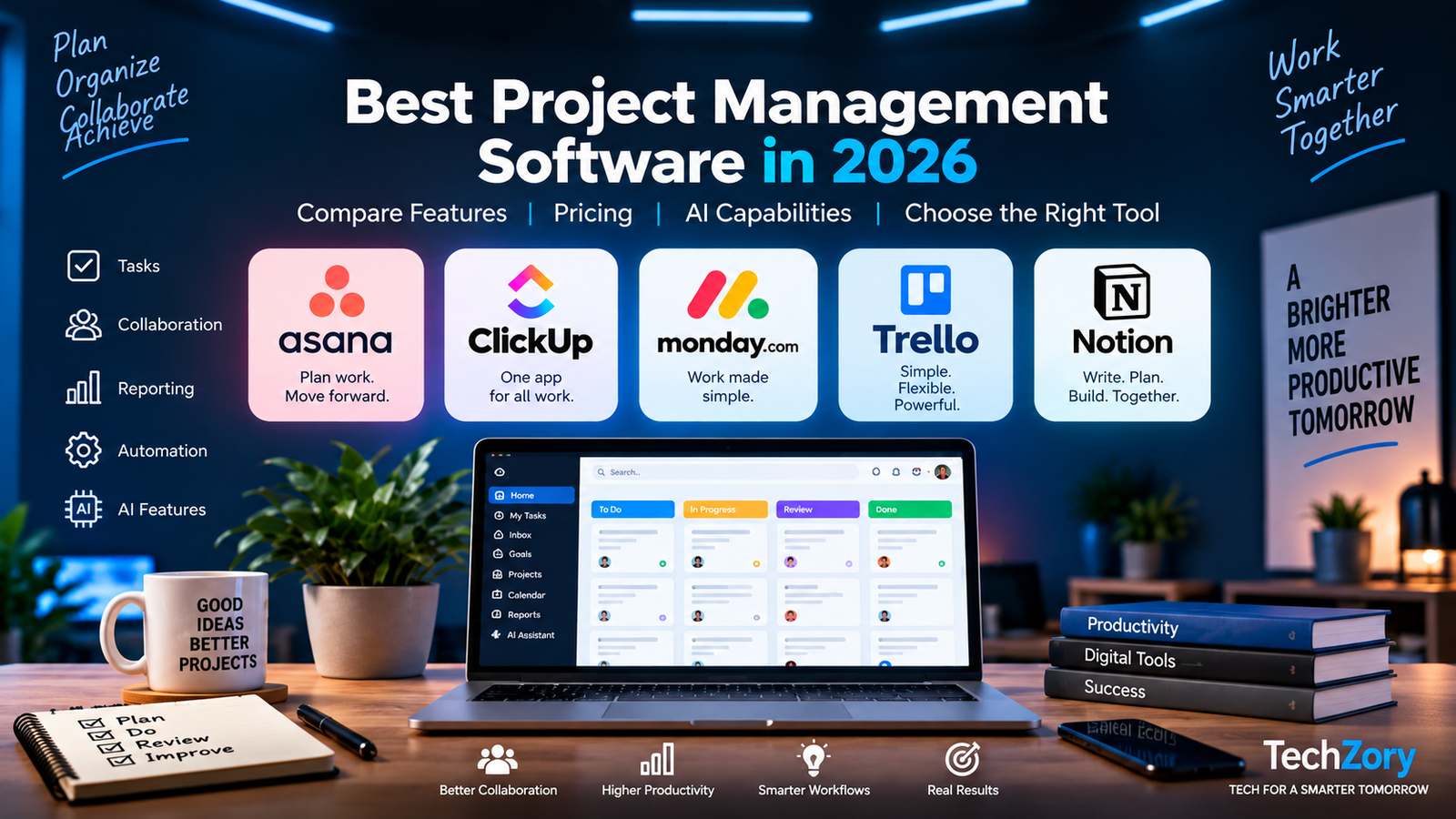
Choosing the best project management software in 2026 is no longer just about creating task lists. Modern platforms now combine planning, collaboration, automation, reporting, integrations, and increasingly AI-powered features to help teams manage work from one place.
The challenge is that leading tools such as Asana, ClickUp, monday.com, Trello, and other platforms differ significantly in pricing, ease of use, customization, reporting, and the types of teams they serve best. A tool that works well for a small creative team may not be the right choice for a growing company managing complex projects across multiple departments.
In this guide, we compare the leading project management platforms based on their core features, current pricing, usability, collaboration tools, automation, AI capabilities, and overall value. The goal is to help you understand the differences clearly so you can choose the platform that best matches your workflow and budget.
Table of Contents
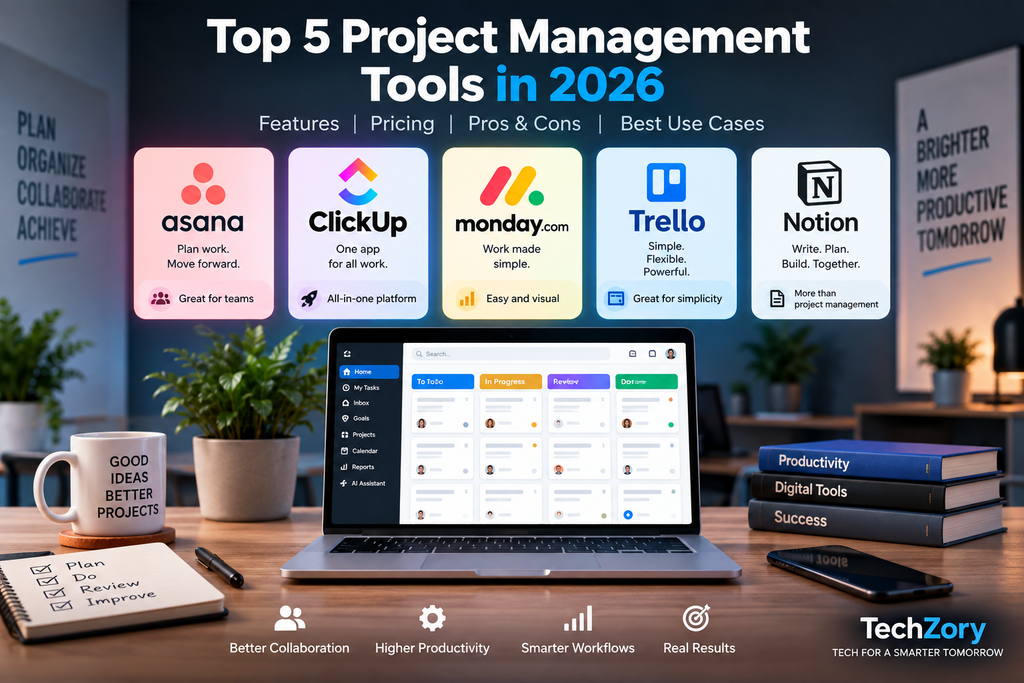
Best Project Management Software in 2026: Quick Comparison
| Software | Free Plan | Starting Paid Price* | Best Use Case | Key Strength |
|---|---|---|---|---|
| Asana | Yes — up to 2 users | $10.99/user/month | Structured team projects | Workflows, Gantt & reporting |
| ClickUp | Yes — unlimited members | $7/user/month | All-in-one project management | Customization & native time tracking |
| monday.com | Yes — up to 2 seats | $9/seat/month | Visual team workflows | Boards, automations & dashboards |
| Trello | Yes — up to 10 collaborators | $5/user/month | Simple task & Kanban management | Ease of use & visual boards |
| Notion | Yes | $10/member/month | Projects + docs + knowledge | Flexible databases, docs & AI |
Pricing shown reflects publicly listed starting prices available in September 2026 and may vary by billing cycle, region, team size, selected features, or future pricing changes. Always check the provider’s official pricing page before purchasing.
1. Asana — Best for Structured Team Projects
Asana is a mature work-management platform designed for teams that need clear project structures, deadlines, dependencies, workflows, and reporting. It is particularly useful when multiple people or departments need to coordinate work while maintaining visibility into progress and responsibilities.
The free Personal plan supports up to two users and includes unlimited tasks and projects, list, board, and calendar views, unlimited storage with a 100 MB limit per file, and more than 100 integrations.
For larger teams, Asana Starter currently begins at $10.99 per user per month when billed annually, or $13.49 when billed monthly. Starter adds Timeline and Gantt views, reporting dashboards, custom fields, forms, unlimited automations, workflow tools, and AI Studio Basic.
Organizations managing multiple projects and strategic initiatives can move to Asana Advanced, currently starting at $24.99 per user per month when billed annually. This tier adds portfolios, goals, workload management, approvals, proofing, and integrations with tools such as Salesforce, Tableau, and Power BI.
Asana has also expanded its AI capabilities in 2026. Its AI features can generate smart summaries, assist with status updates, populate fields, answer questions about work, and support automated workflows. Asana has also introduced AI Teammates that can assist teams with work directly inside projects.
Asana’s main strength is structure. Teams that need formal project planning, detailed workflows, reporting, and cross-department coordination may find it more suitable than simpler board-based tools. However, very small teams that primarily need lightweight task tracking may find its paid plans more extensive than necessary.
Asana Pros and Cons
Pros
- Strong project structure with list, board, calendar, Timeline, and Gantt views.
- Excellent for teams that need workflows, reporting dashboards, custom fields, forms, and automations.
- Advanced plans support portfolios, goals, workload management, approvals, and proofing.
- Broad integration support with tools such as Slack, Google Drive, Salesforce, Tableau, and Power BI.
- Growing AI capabilities, including AI Studio, smart summaries, smart status updates, and AI Teammates.
Cons
- The free plan is limited to two users, making it less suitable for larger teams that want to stay on a free tier.
- Paid plans can become expensive as team size grows.
- Smaller teams with simple task-management needs may find Asana more complex than lightweight tools such as Trello.
- Some advanced capabilities, including portfolios, goals, workload, and deeper enterprise integrations, require higher-tier plans.
Who Should Choose Asana?
Asana is a strong choice for teams that need structured project planning, clear responsibilities, deadlines, dependencies, reporting, and visibility across multiple projects.
It is particularly well suited to marketing teams, product teams, operations departments, professional services, and organizations that coordinate work across several functions.
Teams that expect to scale may also benefit from Asana’s portfolios, goals, workload management, automation, integrations, and AI-assisted features.
However, very small teams that only need simple task lists or Kanban boards may prefer a lighter and less expensive platform.
2. ClickUp — Best for All-in-One Project Management
ClickUp is one of the most feature-rich project management platforms available in 2026. It combines task management, documents, dashboards, time tracking, goals, whiteboards, automations, and AI tools inside a single workspace.
The Free Forever plan includes unlimited tasks and unlimited members, along with collaborative Docs, Kanban boards, sprint management, Calendar view, two-factor authentication, and basic custom fields. Storage is limited to 60 MB on the free tier.
ClickUp Unlimited currently starts at $7 per user per month when billed annually. It adds unlimited storage, Gantt charts, native time tracking, integrations, and expanded project-management features.
The Business plan starts at $12 per user per month when billed annually and adds capabilities such as advanced dashboards, more automation capacity, and deeper reporting features.
ClickUp has also expanded its AI offering considerably. ClickUp Brain can assist with writing, project summaries, workspace search, task updates, and AI agents. ClickUp currently offers separate AI packages, including Brain AI and Everything AI, while some workspaces are also beginning to see newer plans where AI capabilities are bundled directly into the plan.
ClickUp’s biggest advantage is flexibility. Teams can customize views, workflows, fields, dashboards, automations, and reporting in much more detail than many competing platforms. Native time tracking is another major strength for agencies, software teams, consultants, and organizations that need to measure work effort.
The trade-off is complexity. Because ClickUp includes so many features and configuration options, new users may need more time to learn the system compared with simpler platforms such as Trello or Asana.
ClickUp Pros and Cons
Pros
- Very broad feature set, including tasks, Docs, dashboards, whiteboards, goals, time tracking, automations, and multiple project views.
- Free Forever plan supports unlimited tasks and unlimited members.
- Native time tracking is built into paid plans, which is useful for agencies, consultants, and service-based teams.
- Highly customizable workflows, fields, views, and dashboards.
- Strong AI capabilities through ClickUp Brain, workspace search, summaries, writing assistance, and AI agents.
Cons
- The interface can feel complex for new users because of the large number of features and customization options.
- Teams with very simple workflows may find ClickUp more powerful than they actually need.
- Some advanced capabilities and AI features require paid plans or separate AI packages, depending on the workspace.
- Heavy customization can require more setup time and governance to keep workspaces organized.
Who Should Choose ClickUp?
ClickUp is a strong choice for teams that want to manage many types of work inside one platform rather than relying on separate tools for tasks, documents, time tracking, dashboards, and collaboration.
It is especially suitable for software teams, agencies, consultants, operations teams, and growing companies that need highly customizable workflows and detailed project visibility.
Teams that value native time tracking, flexible dashboards, multiple project views, and extensive automation may find ClickUp particularly attractive.
However, organizations with very simple workflows or users who prefer a minimal interface may find the platform more complex than necessary.
3. monday.com — Best for Visual Team Workflows
monday.com is a visual work-management platform designed for teams that prefer flexible boards, dashboards, automations, and highly visual project tracking.
The Free plan supports up to two seats and includes up to three boards, three Docs, more than 200 templates, and access to the mobile apps. It is suitable for individuals or very small teams that want to test the platform before upgrading.
monday.com Basic currently starts at $9 per seat per month when billed annually. It adds unlimited items, unlimited free viewers, and broader workspace capabilities.
The Standard plan starts at $12 per seat per month when billed annually and adds Timeline and Gantt views, guest access, integrations, and automations. It is the plan that most growing teams are likely to consider because it provides a better balance between collaboration, visualization, and workflow automation.
The Pro plan starts at $19 per seat per month when billed annually and adds more advanced dashboards, higher automation and integration limits, and additional workflow-management capabilities.
monday.com has also expanded its AI features in 2026. Paid plans now include access to AI-powered tools such as Sidekick, AI-assisted workflows, and agent-style features that can help automate routine work and support teams inside their boards and processes.
One important pricing detail is that monday.com uses seat-based billing groups. Paid plans generally start with a minimum number of seats, so very small teams should check the exact seat package before purchasing.
monday.com’s biggest strength is its visual flexibility. Teams can build colorful boards, dashboards, forms, timelines, and automated workflows without needing to create complex systems from scratch. However, teams that require deep technical project management or extremely detailed task hierarchies may prefer a platform such as ClickUp or Asana.
monday.com Pros and Cons
Pros
- Highly visual interface with flexible boards, dashboards, timelines, forms, and multiple project views.
- Strong automation and integration capabilities on Standard and higher plans.
- Easy for non-technical teams to customize workflows without extensive setup.
- Large template library for marketing, operations, sales, HR, and project management.
- Growing AI capabilities, including Sidekick, AI-assisted workflows, and agent-style automation.
Cons
- The free plan is limited to two seats and three boards, making it unsuitable for most larger teams.
- Seat-based billing can make pricing less flexible for very small teams.
- Some important features such as Timeline, Gantt, integrations, and automations require the Standard plan or higher.
- Teams with very complex technical workflows or deep task hierarchies may find platforms such as ClickUp or Asana more powerful.
Who Should Choose monday.com?
monday.com is a strong choice for teams that want an intuitive, visual way to manage projects without sacrificing automation, dashboards, or flexibility.
It is particularly well suited to marketing teams, operations departments, HR teams, sales organizations, creative teams, and businesses that need customizable workflows without a steep technical learning curve.
Teams that rely heavily on visual boards, timelines, forms, dashboards, and automated processes may find monday.com easier to adopt than more complex platforms.
However, very small teams should review the seat-based pricing carefully, while software-development or highly technical teams may prefer platforms that provide deeper task hierarchies and engineering-focused workflows.
4. Trello — Best for Simple Kanban and Task Management
Trello is one of the simplest and most visual project management tools available in 2026. Its card-and-board system makes it easy to organize tasks, track progress, and manage lightweight workflows without a steep learning curve.
The Free plan supports up to 10 collaborators per Workspace and includes unlimited cards, up to 10 boards per Workspace, unlimited Power-Ups per board, mobile apps, due dates, assignees, and two-factor authentication.
Trello Standard currently starts at $5 per user per month when billed annually, or $6 when billed monthly. It adds unlimited boards, advanced checklists, custom fields, card mirroring, larger file limits, more automation capacity, and AI-powered features.
The Premium plan starts at $10 per user per month when billed annually, or $12.50 when billed monthly. Premium adds additional views such as Calendar, Timeline, Table, Dashboard, and Map, along with unlimited Workspace command runs and more administrative controls.
Trello has also expanded its AI capabilities. Standard and higher plans include AI-assisted features such as AI-powered quick capture, while Premium adds broader AI capabilities across boards and workflows.
Trello’s biggest strength is simplicity. Teams can understand its board-and-card model very quickly, making it especially useful for personal productivity, small teams, content calendars, lightweight Agile workflows, and simple project tracking.
The main limitation is depth. Teams that need advanced reporting, portfolio management, complex dependencies, detailed resource planning, or highly customized workflows may outgrow Trello faster than platforms such as Asana, ClickUp, or monday.com.
Trello Pros and Cons
Pros
- Very easy to learn and quick to set up.
- Excellent visual Kanban-style boards for simple project and task management.
- Free plan supports up to 10 collaborators per Workspace.
- Unlimited cards and Power-Ups make the free tier useful for individuals and small teams.
- Paid plans add custom fields, advanced checklists, more automation, additional views, and AI-assisted features.
Cons
- Less suitable for complex projects that require advanced dependencies, resource planning, or portfolio management.
- Reporting and analytics are more limited than in platforms such as Asana, ClickUp, or monday.com.
- Teams managing large or highly structured workflows may outgrow the board-and-card model.
- Several advanced views and administrative features require the Premium plan.
Who Should Choose Trello?
Trello is a strong choice for individuals and small teams that want a simple, visual way to organize tasks without spending much time configuring the system.
It works especially well for content calendars, personal productivity, editorial workflows, lightweight Agile boards, event planning, and straightforward team projects.
Teams that value simplicity, fast onboarding, and clear visual task movement may find Trello more approachable than feature-heavy platforms.
However, organizations that need complex dependencies, advanced reporting, portfolio management, detailed resource planning, or highly structured workflows may be better served by Asana, ClickUp, or monday.com.
5. Notion — Best for Projects, Docs, and Knowledge Management
Notion is a flexible productivity platform that combines project management, documents, databases, wikis, calendars, and knowledge management in one workspace.
The Free plan is designed primarily for individuals and includes unlimited pages and blocks for personal use, databases with subtasks and dependencies, basic forms, Notion Calendar, and limited trial access to Notion AI.
Notion Plus currently starts at $10 per member per month and is designed for small teams and professionals. It adds unlimited collaborative blocks, unlimited file uploads, custom forms, custom sites, unlimited charts, and expanded collaboration features.
The Business plan starts at $20 per member per month and includes Notion AI as part of the plan. Business users gain access to features such as Notion Agent, AI Meeting Notes, enterprise search across connected apps, and premium integrations.
Notion’s biggest strength is flexibility. Teams can build project trackers, editorial calendars, product roadmaps, meeting systems, knowledge bases, and internal documentation using customizable databases and pages instead of being locked into a rigid project-management structure.
Its AI capabilities have also expanded significantly. Notion Agent can complete multi-step tasks using context from the workspace, connected applications, and the web, while Custom Agents can automate recurring work using triggers and schedules.
The trade-off is that Notion requires more design and setup than traditional project-management software. Teams that want predefined workflows, advanced resource management, or detailed portfolio reporting may find Asana, ClickUp, or monday.com easier to manage at scale.
Notion Pros and Cons
Pros
- Combines project management, documents, databases, wikis, calendars, and knowledge management in one workspace.
- Highly flexible and customizable for different team workflows.
- Strong database capabilities for content calendars, roadmaps, trackers, and internal systems.
- Excellent for teams that want project work and documentation in the same platform.
- Expanding AI capabilities, including Notion Agent, AI Meeting Notes, enterprise search, and Custom Agents on higher plans.
Cons
- Requires more setup and workspace design than traditional project-management tools.
- Advanced project planning and portfolio-management features are less structured than in Asana or ClickUp.
- Full Notion AI capabilities require the Business or Enterprise plan.
- Teams without clear workspace standards can end up with inconsistent databases, pages, and processes.
Who Should Choose Notion?
Notion is a strong choice for individuals and teams that want project management, documentation, knowledge sharing, and flexible databases inside one connected workspace.
It is especially useful for content teams, startups, product teams, research groups, consultants, and organizations that want to combine project tracking with meeting notes, internal documentation, roadmaps, and knowledge bases.
Teams that value customization and want to design their own workflows may find Notion more flexible than traditional project-management platforms.
However, organizations that need advanced resource planning, complex dependencies, formal portfolio management, or highly structured project controls may be better served by Asana, ClickUp, or monday.com.
Which Project Management Software Is Best for Different Teams?
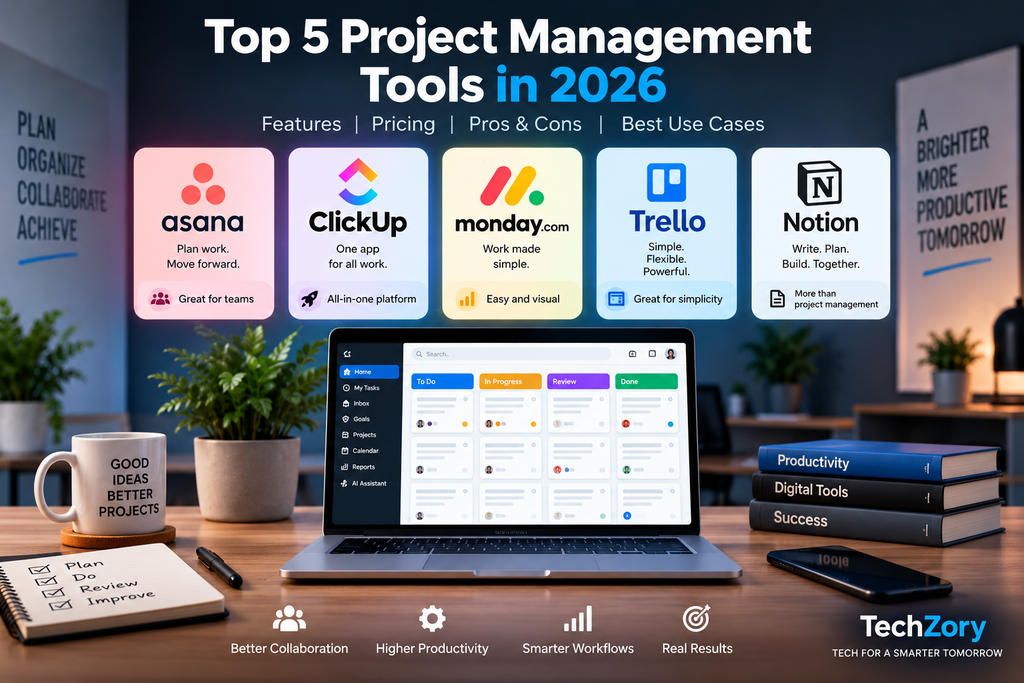
The best project management software depends heavily on team size, workflow complexity, budget, and the type of work being managed.
For small teams and simple projects: Trello is usually the easiest place to start because of its straightforward Kanban-style boards and generous free tier.
For teams that want maximum flexibility: ClickUp is a strong choice thanks to its extensive customization, multiple views, native time tracking, dashboards, and broad feature set.
For visual collaboration and cross-functional workflows: monday.com works especially well for teams that want colorful boards, automations, forms, timelines, and dashboards without requiring deep technical configuration.
For structured project planning and growing organizations: Asana is better suited to teams that need dependencies, portfolios, goals, workload management, approvals, and strong reporting across multiple projects.
For teams that want project management combined with documentation and knowledge management: Notion is particularly attractive because it combines databases, project tracking, wikis, documents, and AI-assisted workspace tools.
There is no universal winner for every organization. The strongest choice is the platform that matches the team’s real workflow rather than the one with the longest feature list.
How to Choose the Right Project Management Software
Choosing the right project management software starts with understanding how your team actually works.
First, consider team size. A freelancer or two-person team may be perfectly served by a free plan, while a growing organization may need advanced permissions, reporting, portfolio management, and administrative controls.
Second, evaluate workflow complexity. Simple task tracking can be handled well by tools such as Trello, while teams managing dependencies, multiple departments, resource allocation, or complex reporting may benefit more from Asana, ClickUp, or monday.com.
Third, look at collaboration requirements. If your team needs documents, meeting notes, knowledge bases, and project tracking in one place, Notion may offer more value than a traditional task-management platform.
Fourth, compare automation and integration needs. Teams that rely on Slack, Google Workspace, Microsoft 365, CRM systems, development tools, or automation platforms should confirm that the project-management tool integrates with the applications they already use.
Finally, calculate the real cost as the team grows. A low starting price can become significantly more expensive when multiplied across many users, especially when important features require higher-tier plans. Always compare pricing based on the number of users, billing cycle, required features, and any additional AI or automation costs.
For more tools that can improve daily work, see our guide to the best productivity apps of 2026.
Frequently Asked Questions
What is the best project management software in 2026?
The best project management software depends on the team’s needs. Asana is strong for structured project planning, ClickUp for customization and all-in-one work management, monday.com for visual workflows, Trello for simple Kanban-style task management, and Notion for teams that want projects, documents, and knowledge management in the same workspace.
Which project management software is best for small teams?
For small teams, Trello is one of the easiest options because of its simple Kanban-style boards and useful free plan. ClickUp can be a better choice for small teams that want more customization, time tracking, documents, and advanced project views, while Notion works well when project management and team documentation need to live in the same workspace.
Which project management software is best for remote teams?
Remote teams can benefit from several platforms depending on how they work. Asana and monday.com are strong for coordinating deadlines, responsibilities, and cross-functional workflows, while ClickUp offers a broad set of collaboration, documentation, dashboard, and time-tracking features. Notion is especially useful when remote teams want project tracking, meeting notes, internal documentation, and knowledge management in one connected workspace.
What is the easiest project management software to use?
Trello is one of the easiest project management tools to learn because its board-and-card interface is simple and visual. monday.com is also beginner-friendly for teams that prefer colorful boards and visual workflows. Asana is relatively easy to adopt for structured team projects, while ClickUp and Notion generally require more setup because they offer greater customization.
Does project management software include AI features in 2026?
Yes. Most leading project management platforms now include AI-powered features in some form. Asana offers AI Studio and AI Teammates, ClickUp provides ClickUp Brain and AI agents, monday.com includes AI-assisted workflows and Sidekick, Trello has AI-assisted features on paid plans, and Notion offers Notion Agent and other AI capabilities on higher-tier plans.
The exact features and pricing vary by plan, so teams should check whether AI is included, limited, or sold as an additional package before choosing a platform.
Is free project management software enough for a small team?
For many freelancers, startups, and small teams, a free project management plan can be enough to manage tasks, deadlines, basic collaboration, and simple workflows.
However, free plans usually place limits on users, storage, advanced views, automation, reporting, integrations, or AI features. As a team grows, upgrading can become worthwhile when it needs stronger workflow automation, dashboards, permissions, time tracking, portfolio management, or more advanced collaboration tools.
The best approach is to start with the free plan when possible, test the workflow with real projects, and upgrade only when the missing features begin to affect productivity.
Final Thoughts
There is no single project management platform that is best for every team.
Asana is a strong fit for organizations that need structured planning, dependencies, reporting, portfolios, and cross-functional coordination. ClickUp is better suited to teams that want maximum flexibility, broad customization, native time tracking, and many work-management features in one platform.
monday.com stands out for visual workflows, approachable automation, and cross-functional collaboration. Trello remains one of the simplest options for lightweight task management and Kanban-style workflows. Notion is especially valuable for teams that want project management, documentation, databases, and knowledge management inside the same workspace.
The right choice depends on team size, workflow complexity, required integrations, budget, and how much customization your organization actually needs.
Before committing to a paid plan, use a free tier or trial when available, test the software with a real project, and confirm that the platform supports the features your team will depend on as it grows.
Pricing and AI capabilities are evolving quickly in 2026, so always verify the latest plans and feature limits on each provider’s official website before purchasing.









Comments 3