

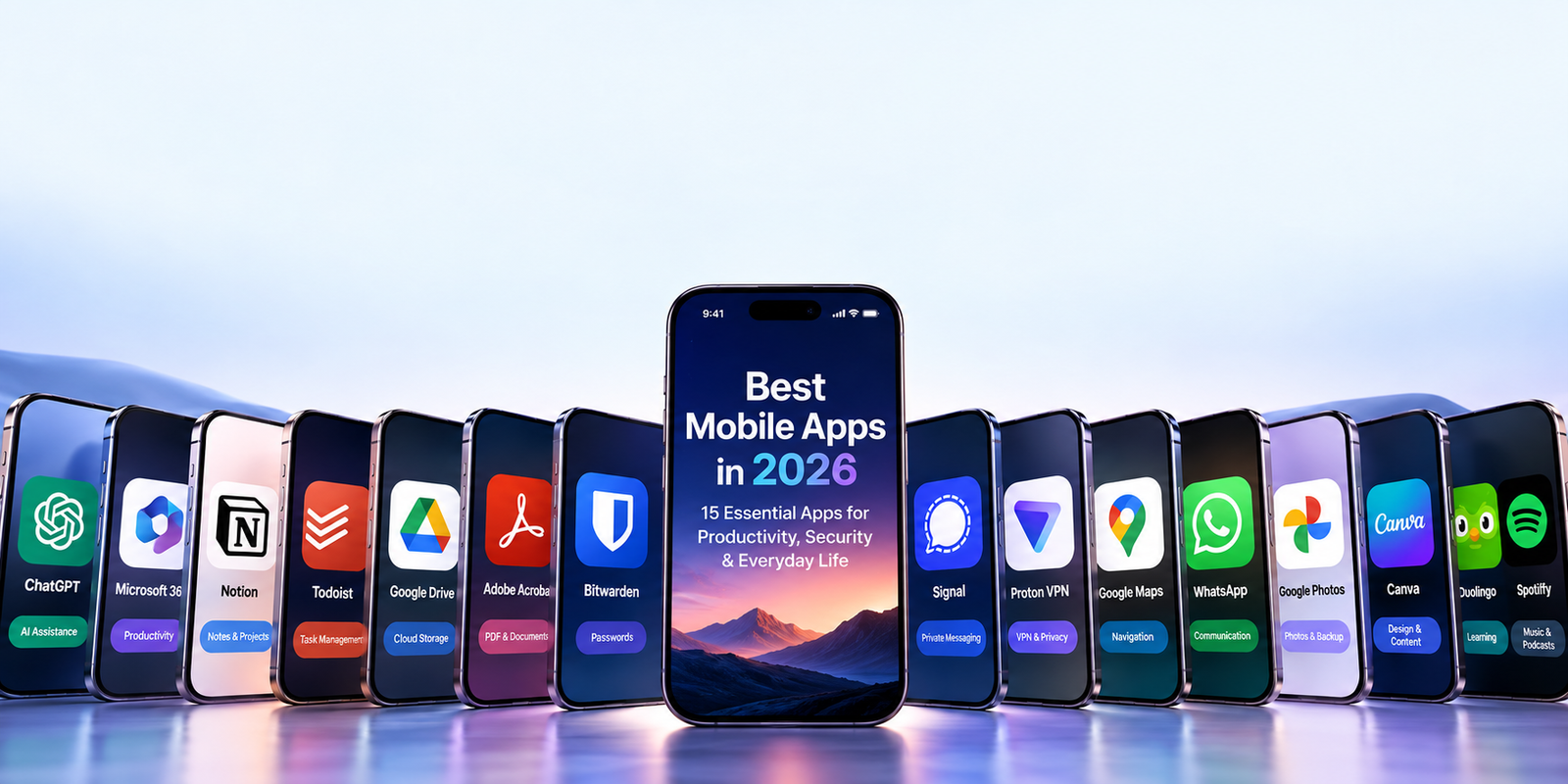
Smartphones have become much more than communication devices. In 2026, the right mobile apps can help you organize work, protect your accounts, manage documents, navigate unfamiliar places, communicate securely, learn new skills, create content, and handle everyday tasks without opening a laptop.
The challenge is no longer finding apps. There are millions of them.
The real challenge is deciding which apps are genuinely useful enough to deserve space on your phone.
This guide looks at the best mobile apps in 2026 across productivity, security, communication, navigation, creativity, learning, cloud storage, and entertainment.. Rather than recommending apps simply because they are popular, we focus on practical usefulness, cross-platform availability, security considerations, and how well each app fits into everyday mobile workflows.
Table of Contents
Best Mobile Apps in 2026: Quick Overview
| App | Main Use | Platforms | Free Option | Best Fit |
|---|---|---|---|---|
| ChatGPT | AI assistance | iOS, Android | Yes | Research, writing, planning and everyday AI |
| Microsoft 365 Copilot | Mobile productivity | iOS, Android | Yes / plan-dependent features | Microsoft 365 users |
| Notion | Notes and organization | iOS, Android | Yes | Notes, projects and knowledge management |
| Todoist | Task management | iOS, Android | Yes | Personal and professional task planning |
| Google Drive | Cloud storage | iOS, Android | Yes | Files, documents and collaboration |
| Adobe Acrobat | PDF management | iOS, Android | Yes | Reading, signing and managing PDFs |
| Bitwarden | Password management | iOS, Android | Yes | Passwords, passkeys and secure logins |
| Signal | Private messaging | iOS, Android | Yes | Privacy-focused communication |
| Proton VPN | VPN and network privacy | iOS, Android | Yes | Safer browsing and network privacy |
| Google Maps | Navigation | iOS, Android | Yes | Navigation, places and travel |
| Communication | iOS, Android | Yes | Messaging and calling | |
| Google Photos | Photo management | iOS, Android | Yes | Photo backup, organization and editing |
| Canva | Design and content creation | iOS, Android | Yes | Social graphics and visual content |
| Duolingo | Learning | iOS, Android | Yes | Language and skill learning |
| Spotify | Music and podcasts | iOS, Android | Yes | Audio entertainment |
Table of Contents
- ChatGPT
- Microsoft 365 Copilot
- Notion
- Todoist
- Google Drive
- Adobe Acrobat
- Bitwarden
- Signal
- Proton VPN
- Google Maps
- Google Photos
- Canva
- Duolingo
- Spotify
- Quick Comparison
- How to Choose Mobile Apps
- Mobile App Privacy and Security
- Frequently Asked Questions
1. ChatGPT — AI Assistance on Your Phone
ChatGPT has developed into a versatile mobile assistant for people who want to research information, organize ideas, write and revise text, study, plan projects, analyze images or files, solve problems, and work through questions conversationally.
The mobile experience is particularly useful because many everyday tasks begin away from a desktop computer. You can capture an idea, ask a question, analyze something from your phone, brainstorm content, work through a technical problem, or continue an existing conversation while traveling.
OpenAI currently provides official ChatGPT applications for both iOS and Android. Its current documentation describes ChatGPT as an assistant for activities including brainstorming, writing, studying, planning, mathematics, coding, and analyzing images and files.
For users who rely heavily on AI, the biggest benefit is versatility. Instead of installing a separate app for every small AI task, one assistant can cover a wide range of workflows.
However, AI-generated information can still be incorrect or incomplete. Important medical, financial, legal, security, or rapidly changing information should be checked against reliable sources.
For a deeper look at AI platforms for work and productivity, see TechZory’s guide to the best AI tools for productivity in 2026.
Best for: AI assistance, research, brainstorming, writing, studying, planning and general knowledge work.
2. Microsoft 365 Copilot — Productivity for Microsoft Users
Microsoft 365 Copilot is particularly useful for people whose work already revolves around Microsoft documents and services.
The mobile app brings Microsoft productivity tools together in one location and gives users access to AI-assisted workflows from their phones. Microsoft describes the app as combining access to Word, Excel and PowerPoint while also providing AI chat, file discovery and content-creation capabilities.
On mobile, this can reduce the need to switch between several separate applications when reviewing documents, editing a file, checking work or using AI assistance.
Microsoft says the Microsoft 365 Copilot mobile application is available for both Android and iOS, although individual AI capabilities can depend on the user’s account, subscription, organization and region.
The app makes the most sense for users already invested in Microsoft 365. Someone who primarily uses Google Workspace or independent productivity tools may not gain as much from its ecosystem integration.
Best for: Word, Excel, PowerPoint, Microsoft 365 documents and AI-assisted office workflows.
3. Notion — Notes, Projects and Knowledge in One Place
Notion remains one of the most flexible mobile productivity applications for people who want notes, project information, databases, documents and personal organization in one system.
Its mobile app is available on both iOS and Android and allows users to read, edit and comment on their Notion content while away from a computer.
Notion has also expanded its mobile AI capabilities in 2026. Its January 2026 release introduced additional mobile AI functionality, including AI Notes and greater access to Notion Agent workflows from phones. Notion later introduced a separate Notion Agents iOS application for more mobile-first AI workflows.
For individual users, Notion can act as a digital notebook, research library, content calendar or personal project system. For teams, it can become a shared knowledge base that keeps documents, plans and decisions together.
Its flexibility is also its main learning curve. Users who only need a simple checklist may find Todoist or a lightweight notes app easier.
Best for: Notes, project organization, knowledge management, content planning and team documentation.
4. Todoist — Simple and Powerful Task Management
Todoist focuses on one of the most important productivity problems: keeping track of what needs to be done.
Instead of trying to become an all-purpose workspace, Todoist centers the experience around tasks, projects, priorities and recurring responsibilities.
Its mobile applications integrate well with smartphone workflows. Todoist currently supports mobile widgets, Siri and Shortcuts on Apple devices, Apple Watch, Android home-screen shortcuts, Wear OS and offline functionality.
This makes it practical for capturing tasks immediately rather than relying on memory until you return to a computer.
Todoist can work equally well for grocery lists, university assignments, content schedules, business projects or recurring administrative tasks.
If your main goal is task management rather than building a large workspace, its focused design can be an advantage over more complex productivity platforms.
Best for: Daily tasks, recurring reminders, personal organization and lightweight project management.
5. Google Drive — Files Wherever You Need Them
Google Drive remains an important mobile application for anyone who regularly works with cloud files.
The app allows users to access documents stored in their Google account from a phone and works particularly well with Google Docs, Sheets and Slides.
A useful mobile feature is offline access. Google allows supported Drive files to be made available offline so users can view and work with documents even when a Wi-Fi or mobile-data connection is unavailable.
This can be valuable while traveling, during unreliable internet access or whenever an important document must remain available regardless of connectivity.
Drive is especially useful for people already using Gmail or Google Workspace because files, sharing permissions and collaborative documents remain part of the same ecosystem.
Best for: Cloud files, document sharing, collaboration and offline access to important work.
6. Adobe Acrobat — PDFs on the Go
PDF files are still common in education, business, government forms, contracts and administrative work, making a capable PDF application useful on almost any smartphone.
Adobe Acrobat’s mobile app allows users to open and read PDFs, search documents, add comments, fill forms, sign documents and share PDF files. Adobe provides Acrobat Reader for both iOS and Android.
The mobile workflow is particularly useful when someone sends you a form or document that needs to be reviewed or signed quickly.
Adobe also offers Adobe Scan, which can turn a smartphone camera into a document scanner and convert paper documents into searchable PDFs using optical character recognition.
Some advanced editing and conversion features require paid plans, but the free application covers many common PDF tasks.
Best for: Reading PDFs, forms, signatures, document scanning and mobile paperwork.
7. Bitwarden — Passwords and Passkeys Across Devices
Reusing passwords is one of the easiest ways to turn a single compromised account into a much larger security problem.
A password manager helps by storing unique credentials so users do not need to memorize every password.
Bitwarden supports password generation, storage, autofill, biometric vault unlocking and cross-platform access. Its current product documentation also includes passkey support and access across unlimited devices for core account functionality.
For mobile users, autofill is particularly valuable because long, randomly generated passwords are difficult to type manually on a phone.
A password manager should still be protected carefully. Use a strong master credential, enable appropriate multi-factor authentication and keep recovery information secure.
Best for: Password management, passkeys, secure autofill and users who access accounts across multiple devices.
8. Signal — Privacy-Focused Messaging
Signal is designed around private communication.
Messages and calls between Signal users are end-to-end encrypted by default, rather than requiring users to manually activate a private-chat mode. Signal also publishes its client and server source code for public examination.
The application supports messaging, voice and video calls, group communication, disappearing messages, usernames and phone-number privacy controls.
Signal has continued adding mobile features, including secure backup options and additional ways to control how people discover an account.
Signal is therefore useful for users who want a messaging application where privacy is a central design principle.
Its main limitation is network effect: a messaging service is only useful when the people you want to communicate with also use it.
Best for: Private messaging, encrypted calls and privacy-conscious communication.
9. Proton VPN — An Extra Privacy Layer for Mobile Networks
A VPN creates an encrypted connection between your phone and the VPN provider’s server.
This can be useful when using networks you do not fully trust and can reduce direct exposure of your public IP address to websites and services.
Proton VPN offers applications across Android, iPhone and other major platforms. Its Android application includes security-focused features such as Secure Core routing, while NetShield can filter domains associated with advertising, tracking or malware depending on the user’s configuration and plan.
A VPN should not be confused with complete anonymity, antivirus software or protection against phishing. Logged-in websites, browser cookies, device identifiers and other tracking mechanisms can still identify users.
For a detailed look at VPN privacy, security, audits and providers, see TechZory’s guide to the best VPN services in 2026.
Best for: Network privacy, travel, public Wi-Fi and users who want an additional encrypted network layer.
10. Google Maps — Navigation and Local Discovery
Google Maps remains one of the most practical applications to keep on a smartphone because navigation is only one part of what it does.
Users can search for places, view business information, get directions, check travel times, save locations and access Street View imagery where available.
Google Maps also provides offline maps, location sharing and saved-place features through the mobile application.
This makes it useful for everyday commuting as well as international travel.
Downloading relevant map areas before a trip can also reduce dependence on mobile connectivity when entering areas with weak coverage.
Best for: Navigation, commuting, travel, finding businesses and saving locations.
11. WhatsApp — Everyday Messaging and Calling
WhatsApp remains a widely used application for messaging, voice calls and video communication.
Personal messages and calls are protected with end-to-end encryption, and the service supports chats, calling, status updates, screen sharing and linked devices.
One reason WhatsApp remains useful is that it works across a broad range of devices and allows users to link additional devices to their primary account.
For many users, its value comes less from advanced features and more from the fact that friends, relatives, customers and businesses may already use it.
WhatsApp and Signal therefore do not necessarily serve identical purposes. WhatsApp may provide greater convenience because of its large communication network, while Signal places stronger emphasis on privacy-focused design.
Best for: Everyday messaging, family communication, voice and video calls and international communication.
12. Google Photos — Backup and Organize Your Photo Library
Modern smartphone cameras make it easy to accumulate thousands of photos and videos.
Google Photos helps manage that library by combining cloud backup, organization and editing in one mobile application.
When backup is enabled, supported photos and videos can be stored in the user’s Google Account and accessed from other signed-in devices.
The mobile application also includes editing capabilities such as cropping, filters and additional photo-adjustment tools, with certain AI-based features depending on account eligibility and availability.
Users should pay attention to storage because Google Account capacity is shared across services such as Google Photos, Drive and Gmail.
Best for: Photo backup, organization, cross-device access and everyday photo editing.
13. Canva — Create Visual Content from Your Phone
Canva has made professional-looking visual content much easier to create without traditional desktop design software.
The mobile app is available for iOS and Android and can be used for social-media graphics, presentations, posters, thumbnails, marketing materials and other visual content.
Its mobile value is particularly clear for social-media creators and small businesses. A user can create or modify content and publish quickly without transferring files back to a computer.
Canva is also increasingly connected to AI-assisted content creation, although advanced functions and usage limits depend on the selected plan.
For complex professional design projects, dedicated desktop software may still offer more control. For fast everyday content creation, however, Canva remains highly practical.
Best for: Social graphics, thumbnails, presentations, simple marketing designs and mobile content creation.
14. Duolingo — Learning in Short Daily Sessions
Duolingo demonstrates why smartphones can be particularly effective for learning.
Instead of requiring long study sessions, it organizes learning into short lessons designed to encourage consistent practice.
Duolingo currently combines game-like progress systems with personalized learning and research-backed teaching methods. Its courses are accessible from mobile devices through both the App Store and Google Play.
Language learning remains its best-known use, although the platform has expanded into additional subjects.
The biggest advantage is accessibility. A five- or ten-minute session during spare time is easier to maintain than a demanding study routine.
However, an app should normally complement rather than completely replace conversation practice, reading, listening and other forms of learning.
Best for: Language practice, daily learning habits and short educational sessions.
15. Spotify — Music and Podcasts Across Devices
Spotify remains useful for people who want music and podcasts available across phones, computers, tablets, vehicles, televisions, speakers and other compatible devices.
Spotify’s current mobile offering provides access to millions of songs and podcasts and allows one account to work across multiple device categories.
For everyday use, its biggest strength is convenience. Users can move between headphones, a car, a computer and home audio devices without maintaining separate media libraries.
Free and paid experiences differ, particularly in advertising, playback controls and offline listening, so users should compare current plan details before subscribing.
Best for: Music, podcasts and users who listen across multiple devices.
Quick Comparison of the Best Mobile Apps in 2026
The 15 apps in this guide solve very different problems, which means there is no reason to install all of them simply because they appear on a recommendation list.
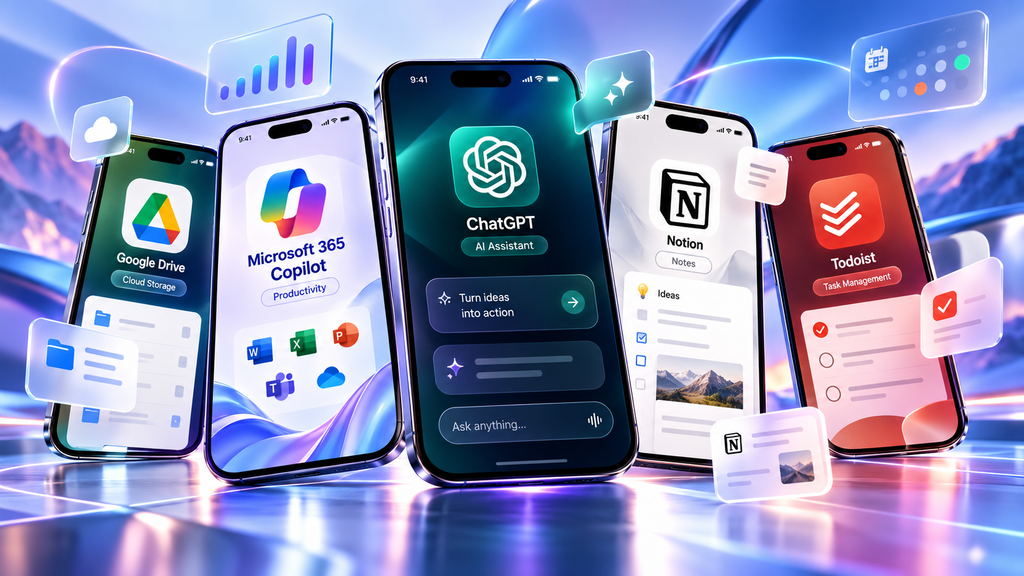
For productivity, ChatGPT provides broad AI assistance, Microsoft 365 Copilot is most useful inside Microsoft workflows, Notion is designed for flexible knowledge organization, Todoist focuses on task management, Google Drive handles cloud files, and Adobe Acrobat specializes in PDF workflows.
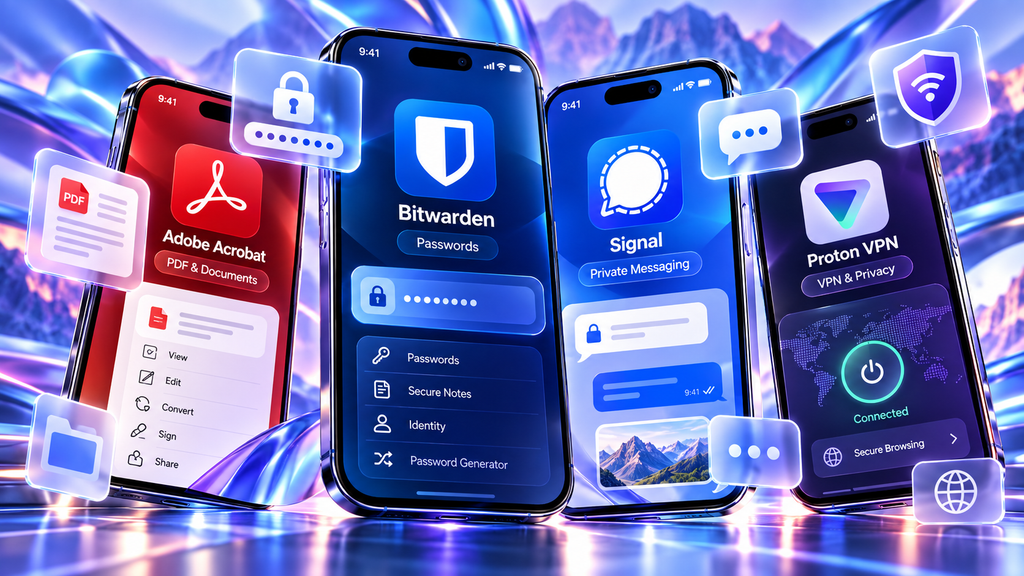
For security, Bitwarden protects credentials, Signal provides privacy-focused communication, and Proton VPN adds an encrypted network layer.
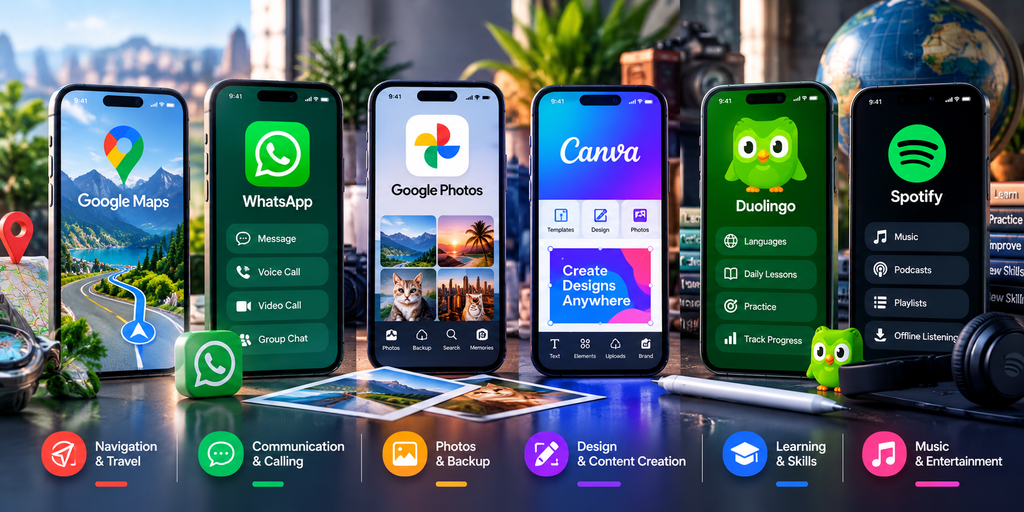
For everyday use, Google Maps handles navigation, WhatsApp covers mainstream communication, Google Photos manages photo libraries, Canva enables fast visual creation, Duolingo supports short learning sessions, and Spotify provides music and podcasts.
The better strategy is to identify the problems you actually need your phone to solve and install the smallest set of apps that covers those needs well.
How to Choose the Right Mobile Apps
Choosing among the best mobile apps in 2026 depends on your daily needs, devices, and preferred digital ecosystem.
A useful mobile application should save time, reduce friction or solve a recurring problem.
Before installing another app, consider whether it duplicates something already available on your phone. Having four note-taking apps, three cloud-storage services and multiple task managers can create more complexity rather than more productivity.
Cross-device synchronization also matters. If you regularly use a laptop, tablet and smartphone, applications that synchronize reliably can prevent information from becoming fragmented across devices.
Pricing deserves attention as well. Many mobile applications use freemium models where installation is free but advanced functionality requires a subscription. Paying for several overlapping services can become surprisingly expensive.
Finally, consider how difficult it would be to export your information if you later decide to switch services.
Mobile App Privacy and Security in 2026
Convenience should not come at the expense of basic security.
Download applications from official stores or directly from trusted developers whenever possible. Fake applications may copy the names, logos or interfaces of legitimate services.
Review permissions carefully. A calculator normally does not need access to your microphone and a simple utility may not need continuous location access.
Keep applications and your phone’s operating system updated because security fixes are commonly distributed through software updates.
Use strong, unique credentials for important accounts and enable passkeys or multi-factor authentication when available. A password manager can make this much easier to maintain.
You can also learn more about passkeys and hardware security keys in 2026 and how they improve phishing-resistant account protection.
Also remember that cloud applications may store personal information on remote servers. Before uploading confidential business documents, financial information or other sensitive material, understand the provider’s privacy controls and the policies that apply to your account.
For a broader look at protecting your devices and accounts, see our guide to the best cybersecurity tools in 2026.
Do You Need All 15 Apps?
Probably not.
The purpose of this guide is not to fill every page of your home screen. It is to identify strong applications across common smartphone use cases.
A user focused on productivity might choose ChatGPT, Notion, Todoist and Google Drive.
Someone prioritizing privacy might add Bitwarden, Signal and a VPN.
A frequent traveler might rely more heavily on Google Maps, cloud storage and communication tools.
A content creator could benefit more from Canva, Google Photos and AI assistance.
The best mobile setup is therefore personalized rather than universal.
Frequently Asked Questions
What are the most useful mobile apps in 2026?
The most useful apps depend on what you do with your phone. Common needs include communication, navigation, password management, cloud storage, task management, AI assistance, document handling, photo backup and entertainment.
What productivity apps are worth installing?
ChatGPT, Microsoft 365 Copilot, Notion, Todoist, Google Drive and Adobe Acrobat cover many common productivity needs. You do not necessarily need all of them because some functions overlap.
Which mobile apps can improve security?
A password manager such as Bitwarden can help generate and store unique credentials. Signal provides end-to-end encrypted messaging, while a reputable VPN such as Proton VPN can add network privacy. These tools solve different security problems and should not be treated as interchangeable.
Are free mobile apps safe?
Some are and some are not. Whether an application is free does not determine its security. Check the developer, permissions, privacy practices, update history and official download source before installing an unfamiliar app.
Should I install apps outside the official app stores?
For most users, the safest approach is to use trusted official distribution channels. Installing software from unknown sources creates additional security risk and makes it easier to accidentally install modified or malicious applications.
Do I need both WhatsApp and Signal?
Not necessarily. WhatsApp may be useful because many friends, relatives and organizations already use it. Signal may appeal more strongly to users who prioritize privacy-focused messaging. Some people keep both because their contacts are divided between the two services.
Is a VPN necessary on every smartphone?
A VPN is not mandatory for every user, and modern HTTPS already encrypts much web traffic. A VPN can still add an additional privacy layer, particularly on networks you do not fully trust, but it does not make you anonymous and does not replace safe browsing, software updates or account security.
Final Thoughts
The best mobile apps in 2026 are not necessarily the applications with the longest feature lists or the highest number of downloads.
The most valuable apps are the ones that remove friction from everyday life.
ChatGPT can provide flexible AI assistance. Microsoft 365 Copilot and Notion support more structured work. Todoist keeps tasks organized. Google Drive and Adobe Acrobat make documents accessible from almost anywhere.
Bitwarden, Signal and Proton VPN address different parts of mobile security and privacy, while Google Maps, WhatsApp and Google Photos solve practical daily problems.
Canva makes visual content creation more accessible, Duolingo turns spare moments into learning opportunities, and Spotify provides entertainment across devices.
You do not need every application in this guide.
Start with the apps that solve a real problem, remove applications you rarely use, review permissions periodically and keep the services that genuinely make your smartphone more useful.
Sources and Further Reading
- OpenAI — What is ChatGPT: FAQ OpenAI source
- Microsoft — Get Started with the Microsoft Copilot Mobile App Microsoft source
- Notion — Notion 3.2: Mobile AI, New Models, People Directory Notion source
- Todoist — Features Todoist source
- Google — Use Google Drive Files Offline Google Drive source
- Adobe — Acrobat Reader on Mobile Overview Adobe source
- Bitwarden — Password Management Tools & Features Bitwarden source
- Signal — Is It Private? Can I Trust It? Signal source
- Proton VPN — Download VPN for Android & Mobile Security Features Proton VPN source
- Google Maps — Download Areas & Navigate Offline Google Maps source
- WhatsApp — Download WhatsApp for Mobile WhatsApp source
- Google Photos — Back Up Photos & Videos Google Photos source
- Canva — Canva Mobile App for iPhone & iPad Canva source
- Duolingo — Learn Anytime, Anywhere Duolingo source
- Spotify — Download Spotify for Mobile Spotify source






Comments 1